daze
Your own films and series, laid out like the best streaming services.
Coming to Apple TV, iPhone, iPad and Mac.
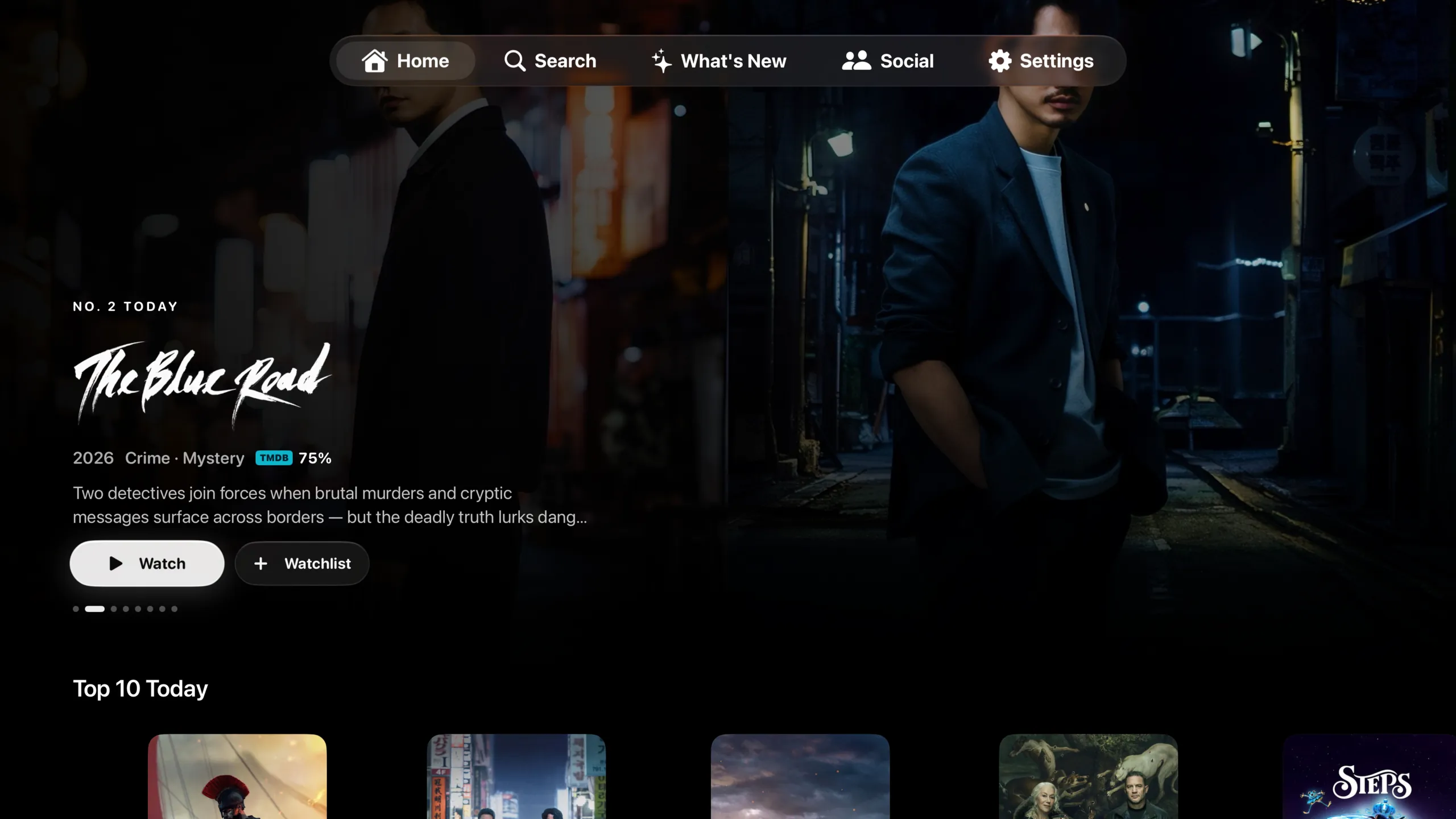
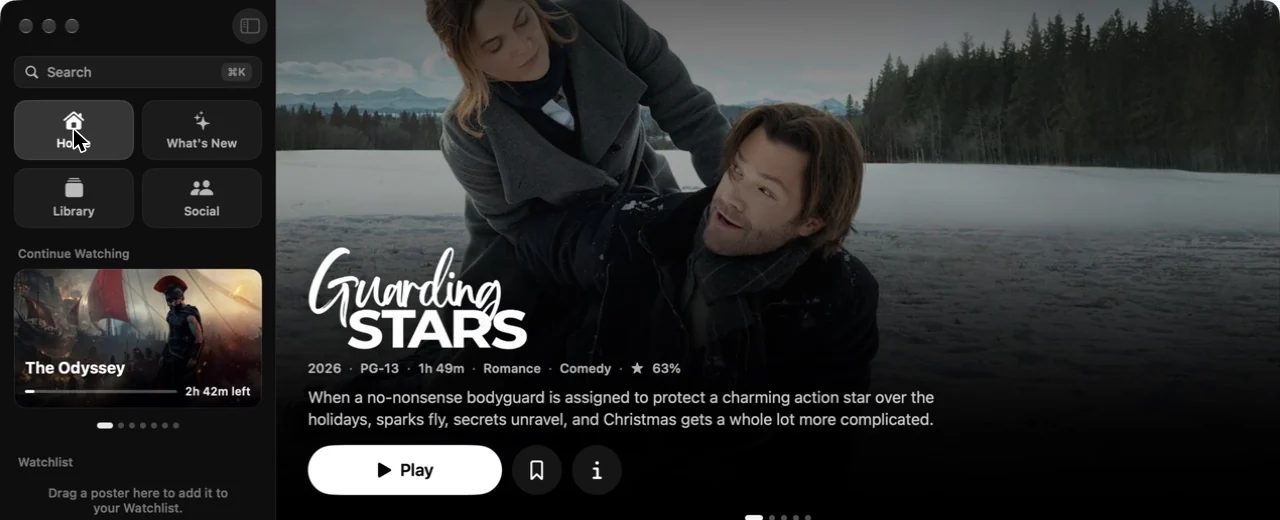
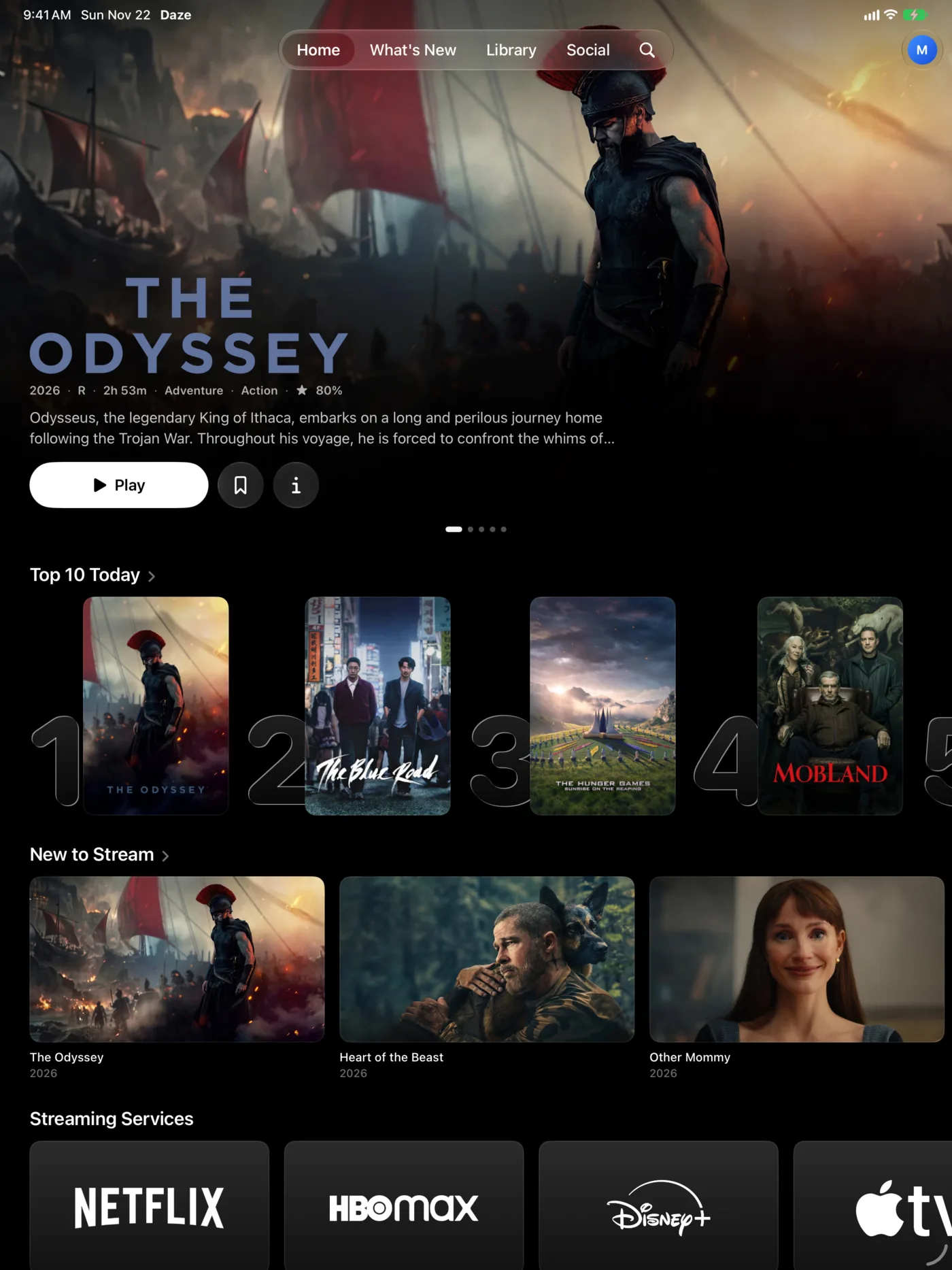
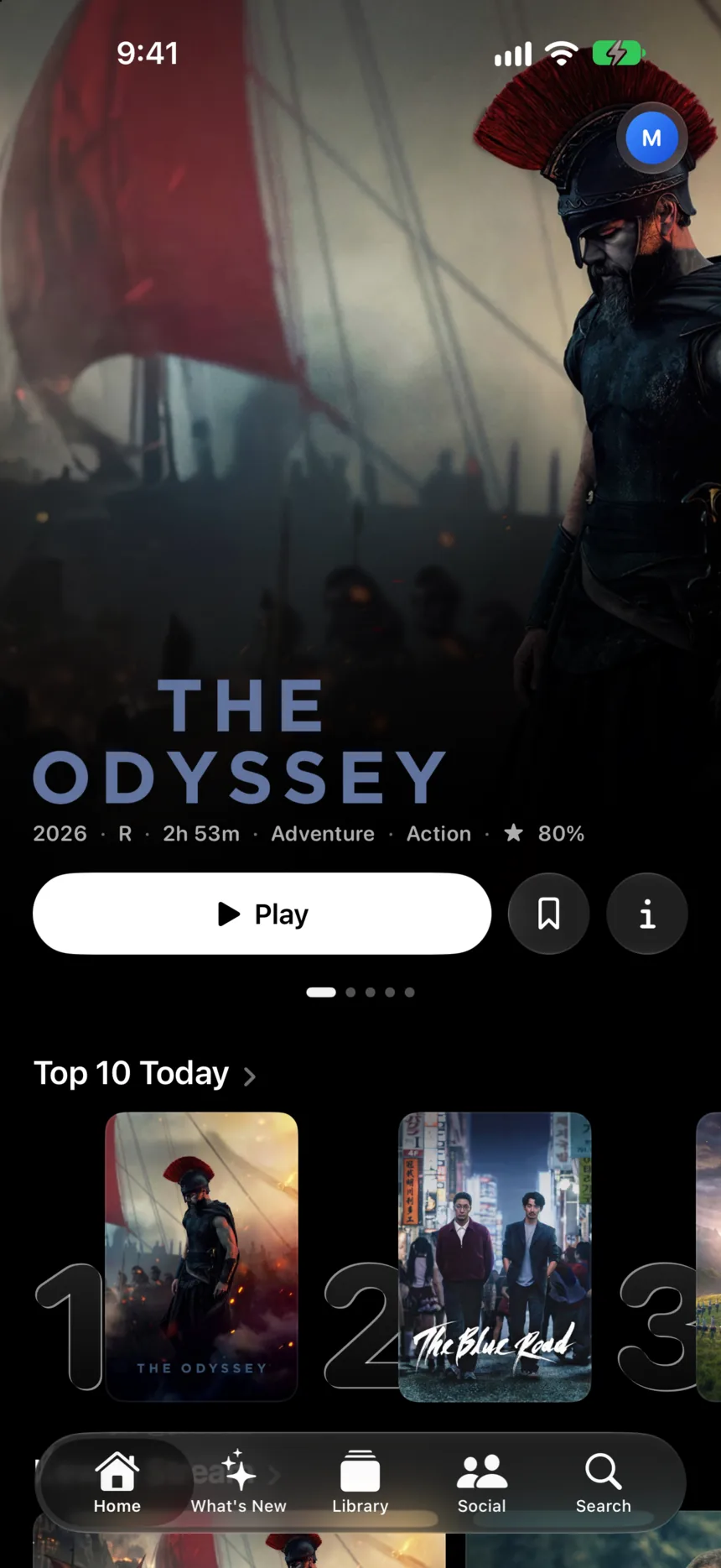
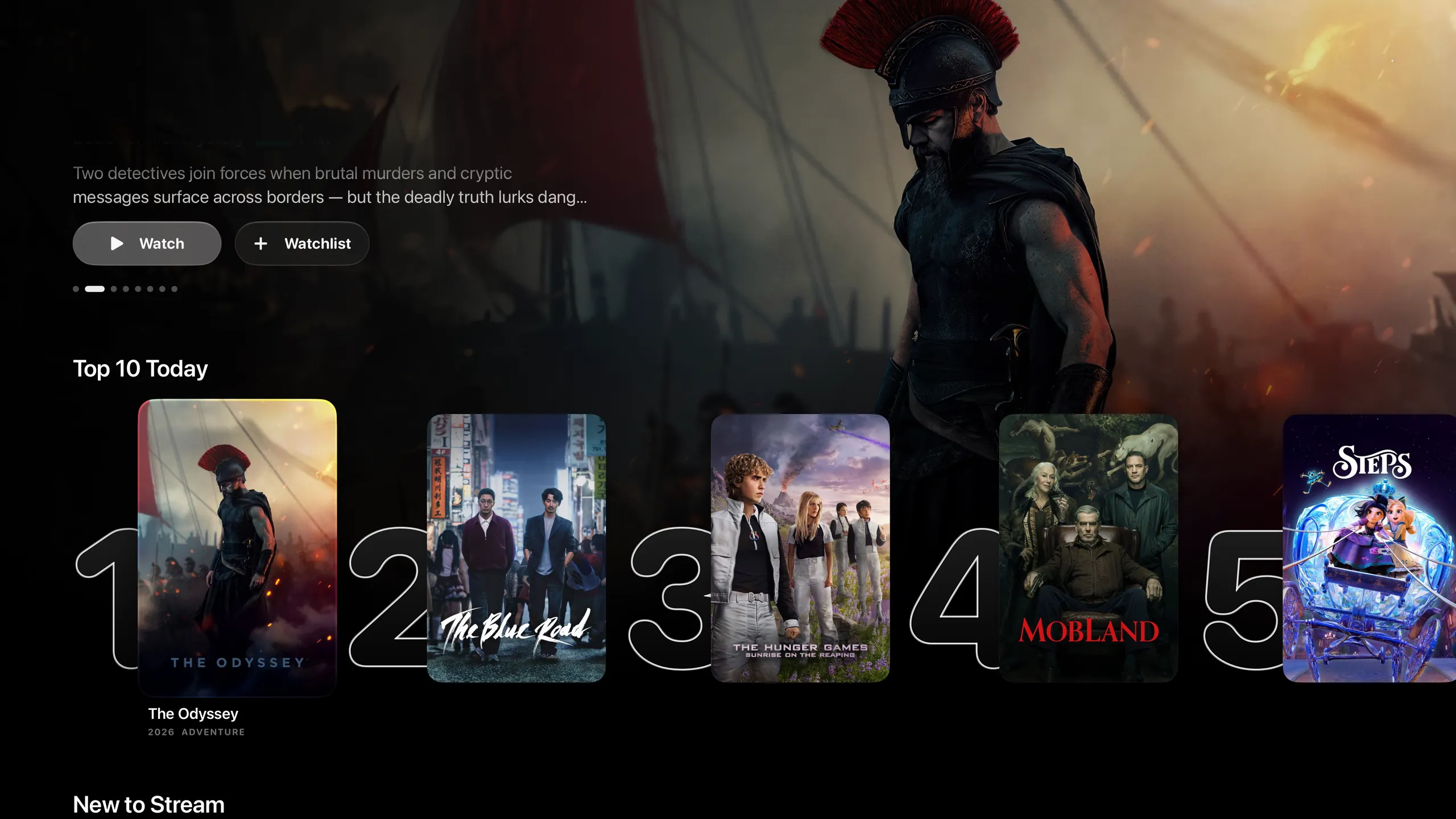
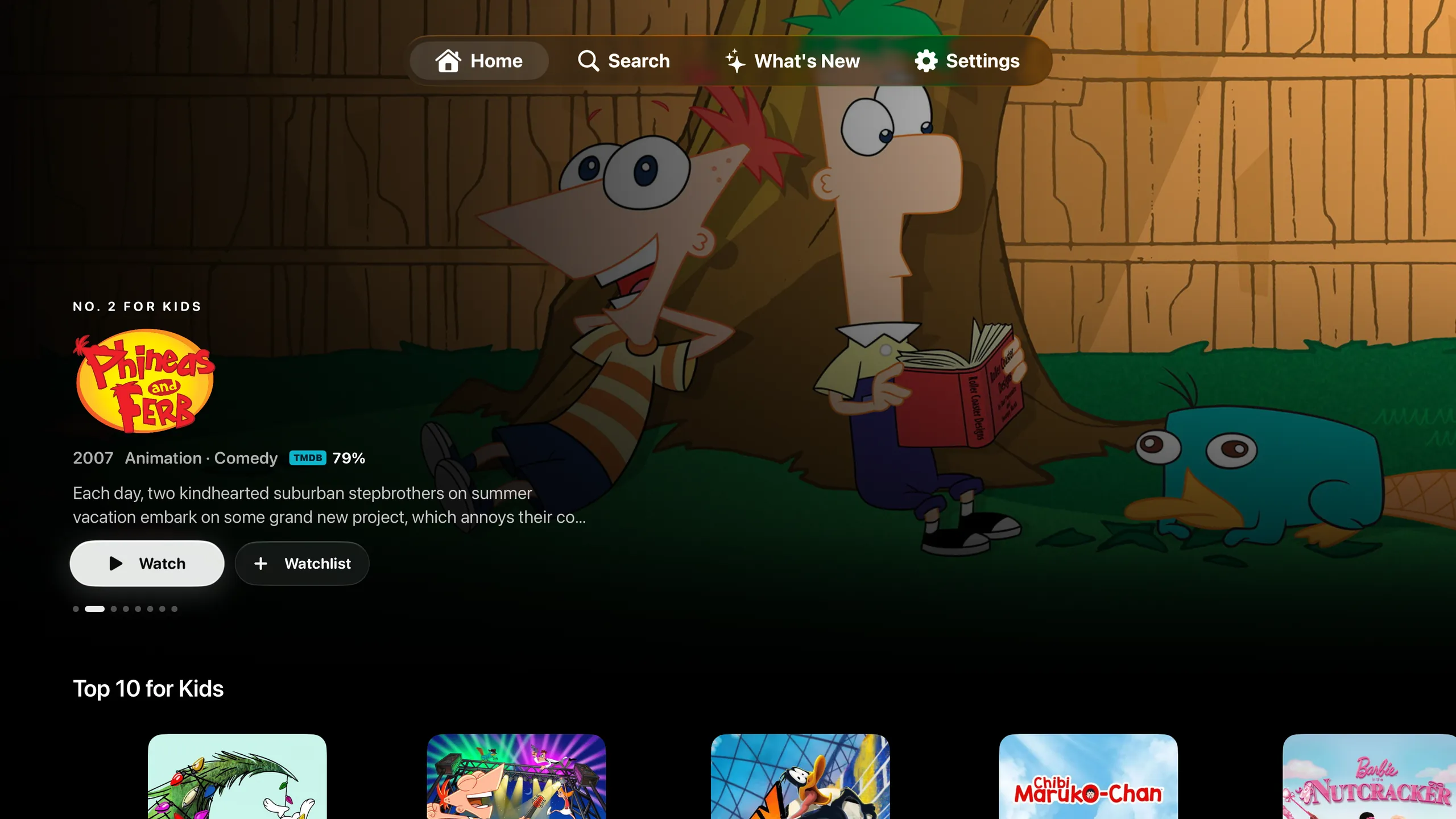
A Home laid out for you.
Daze builds Home the way the best streaming services do, from what is out today and what is on your own server, instead of a list of look-alike rows. Every row can be moved or hidden, for each profile.
- The spotlight
- Today's ten most-watched films and series, one at a time, with their logos.
- Top 10 Today
- Posters with their place standing behind them.
- What's new
- New to Stream, New Episodes This Week, New Series and Coming Soon.
- Folders
- Streaming services and studios by their logos; decades, franchises, genres and themes.
- Daze picks
- Binge-Worthy Series, Acclaimed Movies, Heists & Capers, Date Night and more.
- Your own server
- Its libraries, Continue Watching and Next Up, spread through the page.
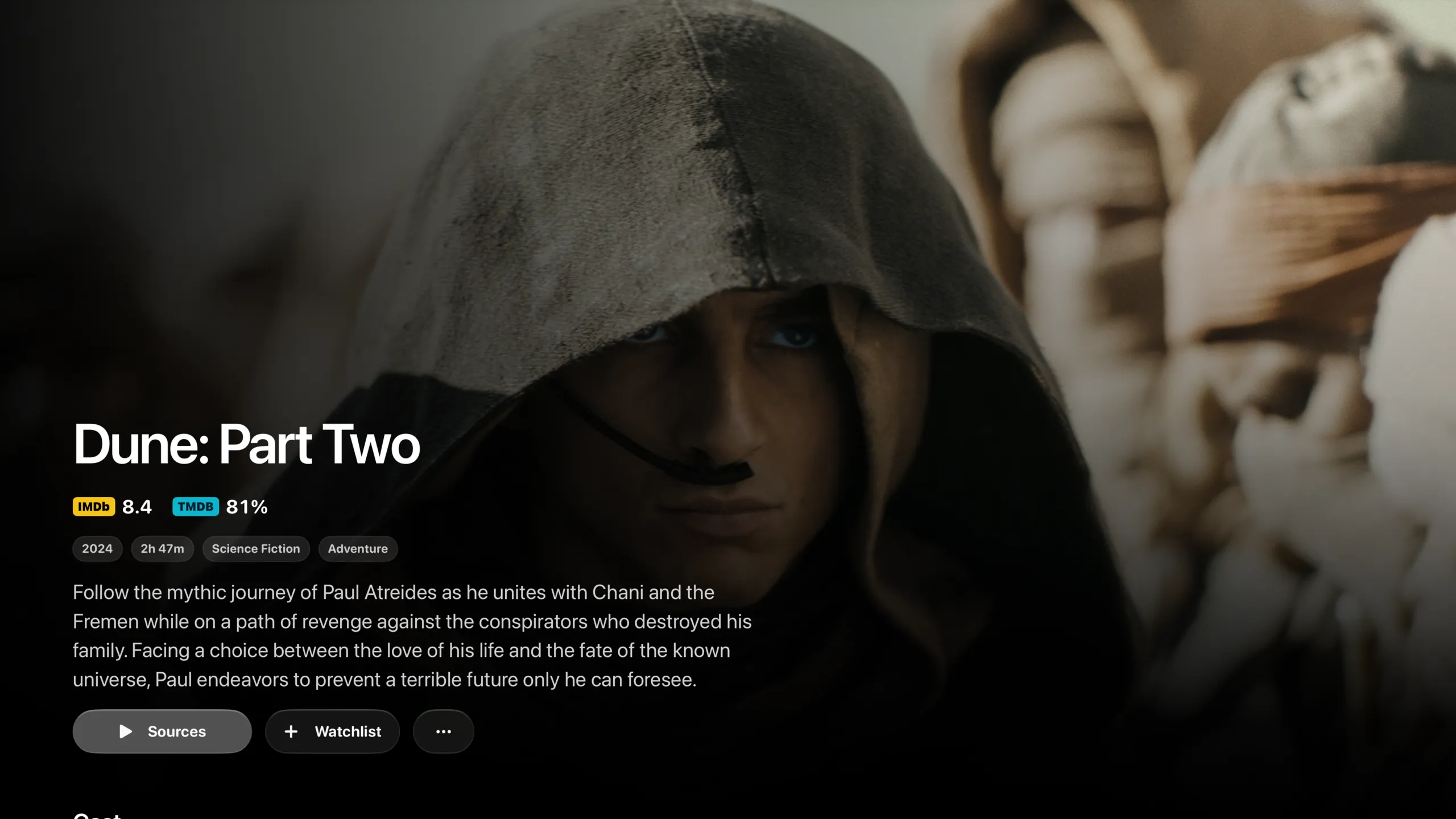
Every film and series gets its page.
Artwork, ratings and the story come first, then the cast, more like it and the facts. Sources lists every version your server has, so you choose which file plays.
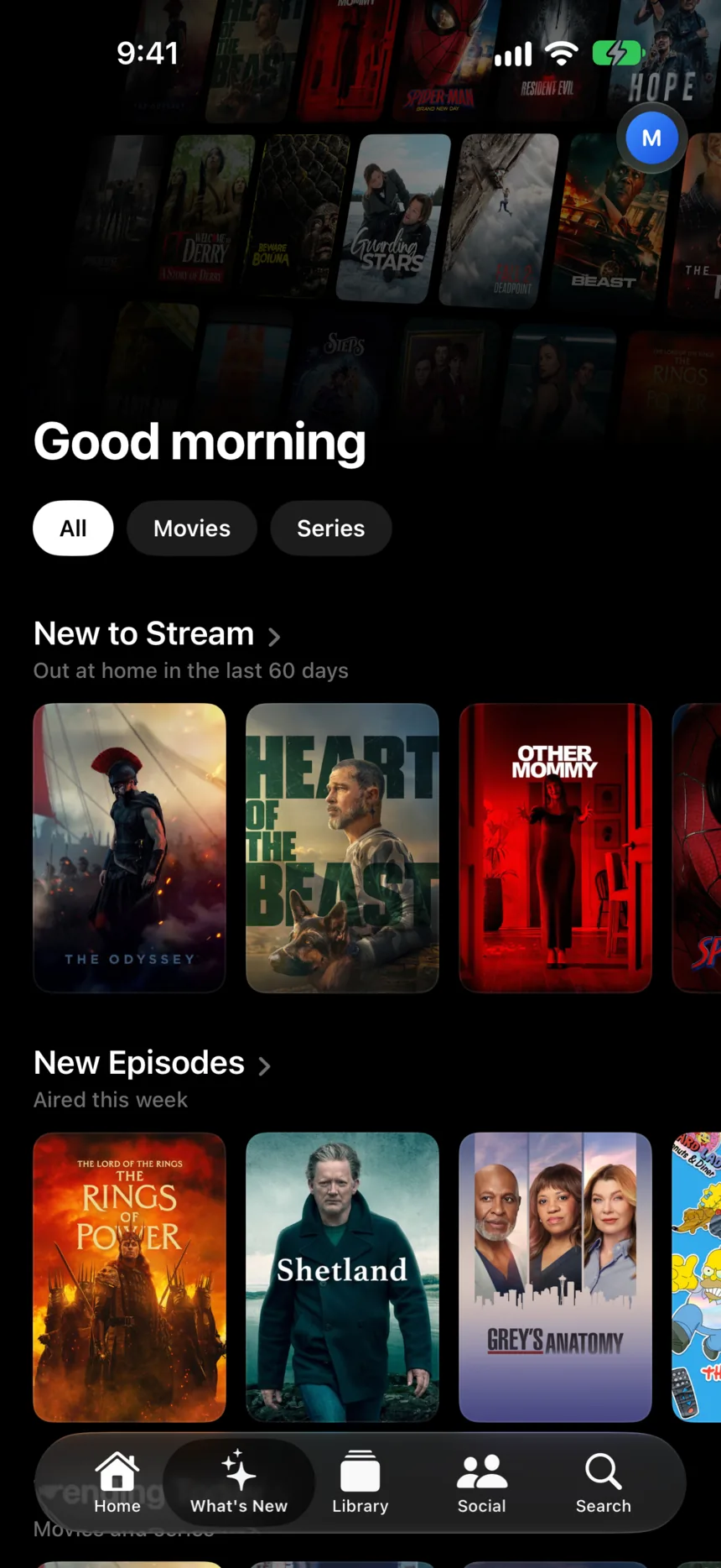
The same Home, in your hand.
On iPhone, iPad and Mac, Daze is the same app made for a smaller screen: Home, What's New, search, every title page and the player. What you set up once follows you there.
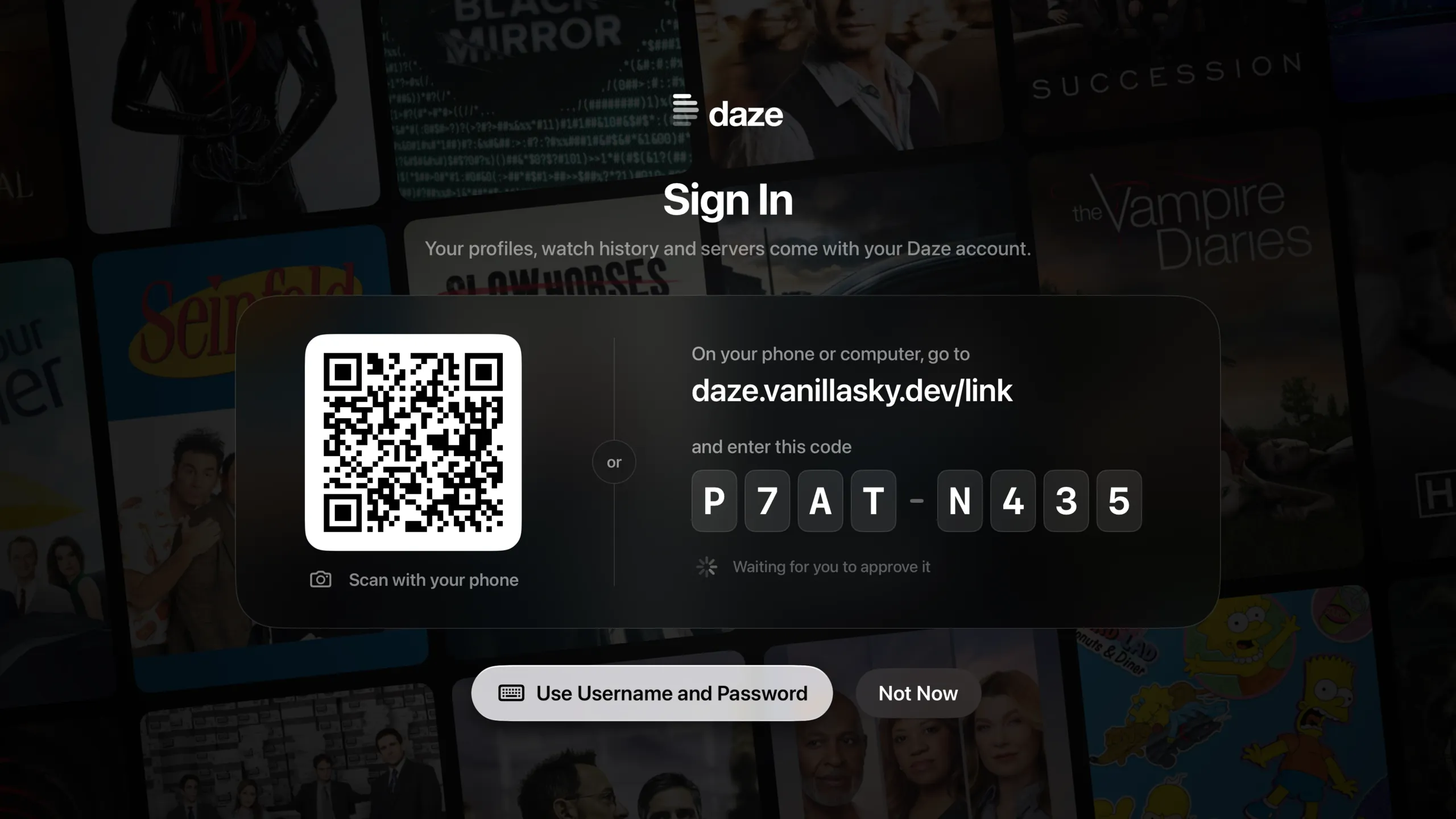
Nothing is typed with a remote.
An Apple TV signs in by showing a code: scan it with your phone and approve it. Add your Jellyfin or Emby server once, with Quick Connect where it has it, and every profile and every device has it. Settings are glass tiles you reach in a press or two.
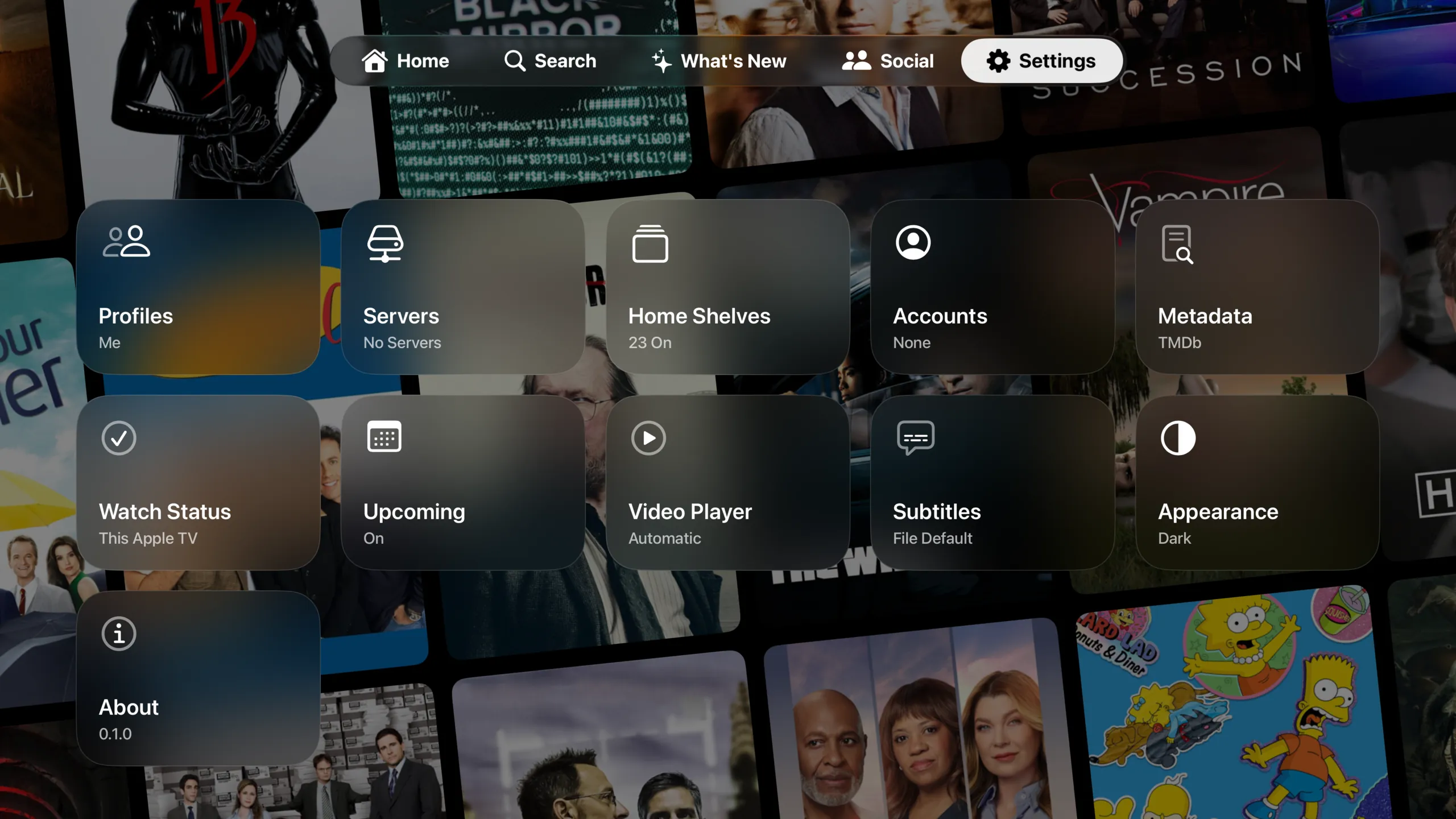
Everyone on the couch gets their own.
- Profiles
- Up to six people on one account, each with their own history, watchlist, Home and settings.
- Kids profiles
- Little Kids, Older Kids or Teens: a kids profile sees only what suits its level, on a Home made for it.
- Your place, everywhere
- Stop on the TV and carry on on the phone. Link Simkl once and what you finish stays in step both ways.
- Watch Party and Social
- Share a six-digit code and press play together. See what friends are into, once they choose to share it.
Daze is on its way.
Already have an account? Sign in to manage your profiles, servers, Home and settings for every device.